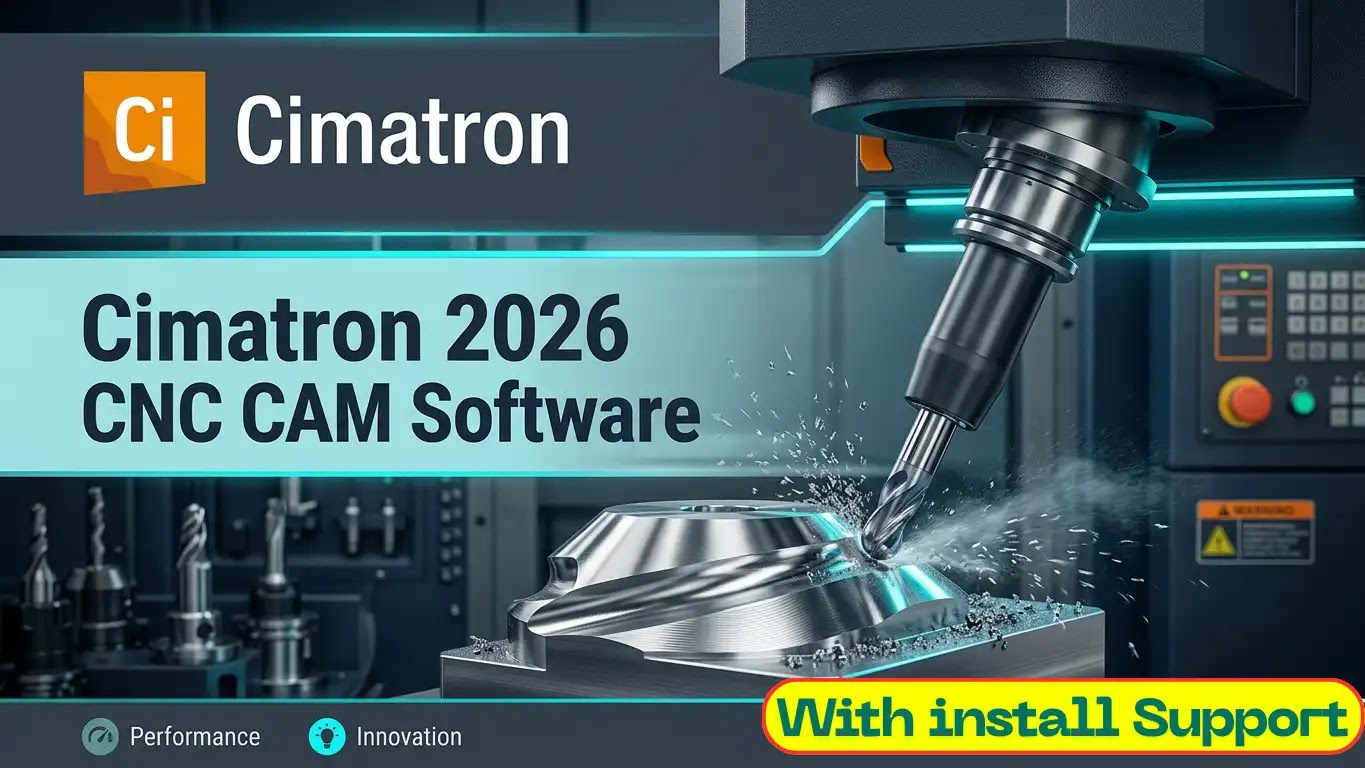
Cimatron 2026: Download, Installation & Setup Guide | Mold & Die CAD/CAM
Cimatron 2026: End-to-End Toolmaking & CNC Machining Architecture Manufacturing high-precision injection molds, stamping dies, and complex custom tooling requires a specialized engineering platform that seamlessly connects 3D CAD modeling with shop-floor CNC programming. Cimatron 2026 stands as a dedicated, fully integrated CAD/CAM solution purpose-built for toolmakers, mold shops, and die manufacturers. Deploying high-performance toolmaking environments requires exact system tuning—from configuring database catalogs and post-processors to setting up license daemons (Cimatron License Manager / FlexNet) and optimizing workstation GPU pipelines. Understanding Cimatron Integrated CAD/CAM Capabilities Cimatron streamlines every phase of the tooling manufacturing pipeline—from initial part quoter preparation to final CNC machining and inspection. 1. Specialist Mold & Core/Cavity Design Cimatron automates complex mold tooling creation. Engineers quickly extract core and cavity geometry, apply shrink factors, and design parting lines, sliders, lifters, and cooling circuits using built-in commercial catalog components (DME, HASCO, Meusburger, Futaba). 2. Progressive Die & Stamping Tooling Designed for sheet metal tooling, Cimatron features dedicated tools for strip layout optimization, blank development, punch and die plate design, and springback deformation analysis—enabling toolmakers to deliver complex multi-station dies faster. 3. Advanced Electrode Modeling & EDM Integration The software simplifies EDM (Electrical Discharge Machining) workflows by automating 3D electrode extraction, holder assignment, stock selection, and spark-gap calculations. It automatically outputs complete burn sheets and CNC toolpaths for electrode manufacturing. 4. High-Performance CNC Machining Engine From 2.5D pocketing to complex 5-axis surface finishing, Cimatron's integrated CAM engine generates ultra-smooth toolpaths optimized for high-speed cutting (HSC). Built-in material removal simulation and gouge prevention protect expensive tooling and CNC equipment. Step-by-Step Installation Roadmap Follow this clear sequence to deploy Cimatron 2026 across your workstation environment: Obtain Official Setup Package: Secure the verified Cimatron 2026 installation ISO image and catalog database updates. System Environment Preparation: Ensure administrative rights, updated professional graphics drivers (NVIDIA Quadro / RTX), and active C++ redistributable packages. Execute Core Setup Wizard: Install the Cimatron CAD/CAM binaries, electrode utilities, catalog libraries, and post-processor tools. License Server Configuration: Activate your software license key via the Cimatron Control Center or link to your local network license daemon.
Key Features
- Dedicated Mold & Die Design Engines
- Progressive Die & Press Tooling Suite
- High-Speed 2.5D to 5-Axis Milling
- Integrated Electrode Design & EDM
- Hybrid Solid/Surface Modeling Core
System Requirements
For optimal performance, ensure your system has a modern processor, ample memory, and a fast storage drive. A 64-bit operating system is recommended.
Exact requirements vary by software version. Please check the vendor's official documentation, or contact our support team before installing.
Installation Overview
- Check the vendor's system requirements before installation
- Download the installer from the button on this page
- Run the installer and follow the setup wizard
- Restart your system and launch the application
- Contact support if you encounter any issues during installation
Need a hand with any step? Use the “Request Installation Help” button on this page.
Common Errors & Fixes
Installer will not start
Ensure you have the necessary runtime components installed and try running the installer again.
Missing runtime components
Check if the required components are installed and reinstall if necessary.
Application will not open after installation
Verify that the application is properly installed and try launching it again. If the issue persists, contact our support team for assistance.
Conclusion & Overview
Secure your copy of Cimatron 2026: Download, Installation & Setup Guide | Mold & Die CAD/CAM today to elevate your system productivity. If you encounter any configuration or installation challenges, our dedicated technical support is accessible instantly via the live chat assistance channel.