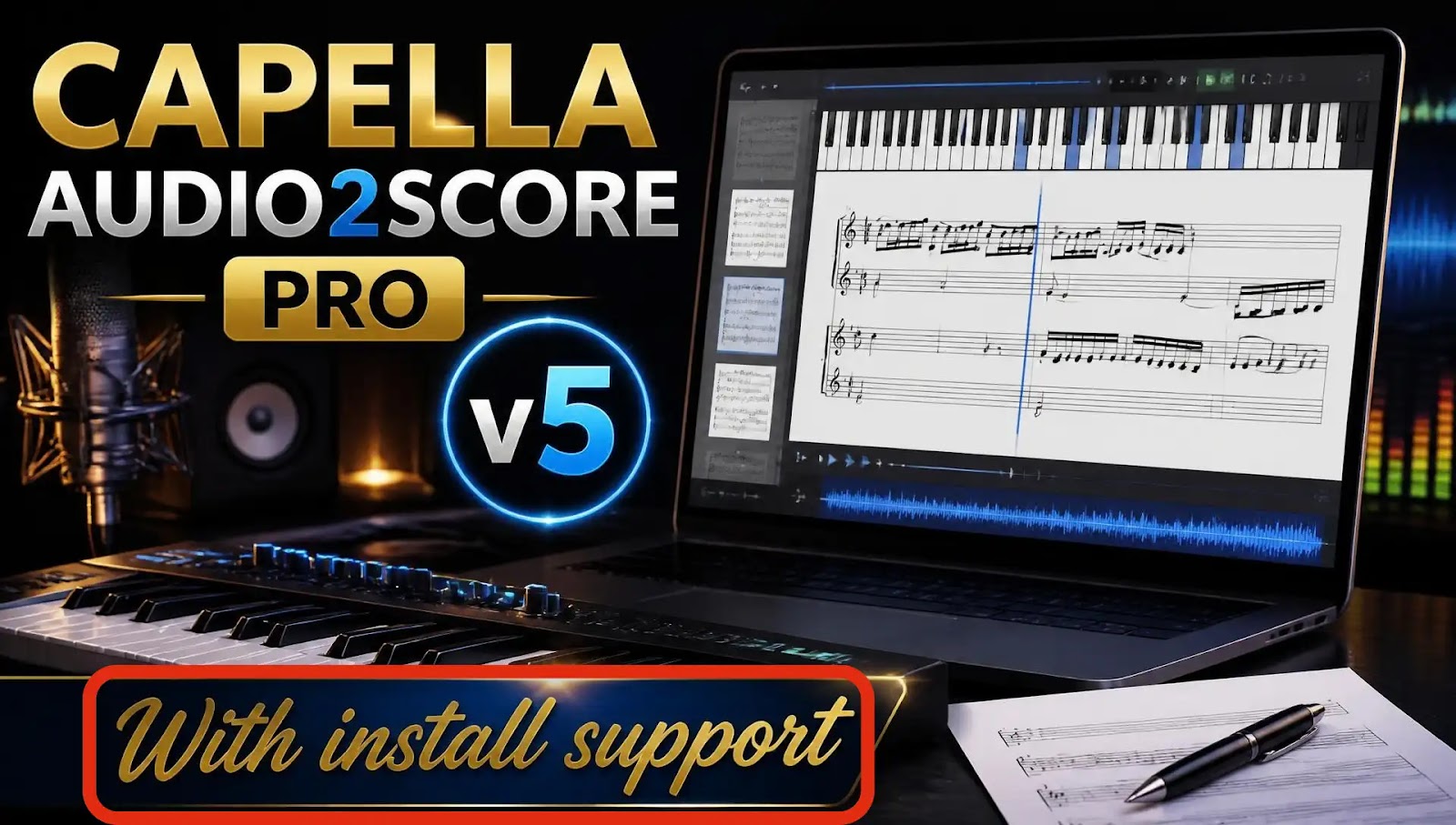
Capella Audio2score v5 Download | AI Music Transcription Setup & Support
Capella Audio2score v5: AI-Driven Audio-to-Sheet-Music Transcription & Setup GuideTransforming recorded audio tracks, live acoustic performances, and historical recordings into clean, editable sheet music historically required hours of manual ear training and dictation. Capella Audio2score v5 by capella-software represents a major breakthrough in automated music transcription—utilizing advanced artificial intelligence algorithms to convert complex polyphonic audio directly into formatted musical scores.Setting up dedicated audio processing workstations demands precise environment tuning—from configuring ASIO/CoreAudio sound drivers and sample rate buffers to managing activation keys and exporting notation file structures.Understanding Capella Audio2score v5 TechnologyCapella Audio2score v5 bridges the gap between digital audio recordings and printed sheet music publishing. Unlike basic pitch trackers that struggle with complex polyphony, Audio2score analyzes the harmonic spectrum of full musical arrangements to construct intelligent score pages.1. AI-Powered Pitch & Harmonic AnalysisThe underlying neural model evaluates the fundamental frequencies, overtones, and transients within an audio file. It distinguishes between pitch fundamentals and harmonic overtones, preventing duplicate note clutter on the staff.2. Multi-Instrument & Voice AllocationWhether analyzing a solo piano performance, a string quartet, or a pop track, Audio2score v5 separates distinct registers and timbres. Users can define target instrumentations—such as piano reduction, choir SATB staves, or lead melody with accompaniment—and the engine distributes detected notes across the appropriate staves automatically.3. Intelligent Quantization & Rhythm DetectionReal-world human audio performances contain natural rubato and timing fluctuations. Audio2score features dynamic beat-tracking engines that detect tempo changes, measure lines, and key signatures, quantizing irregular performance timing into clean, readable rhythmic notation ($4/4$, $3/4$, triplets, etc.).4. Broad Ecosystem CompatibilityTranscribed scores can be polished directly inside the built-in editor or exported via standardized MusicXML, MIDI, or native Capella (.capx) formats for advanced engraving in secondary score writers.Step-by-Step Installation RoadmapFollow this clear sequence to set up Capella Audio2score v5 on your system:Obtain Official Setup Package: Secure the verified Capella Audio2score v5 installation package from the capella-software archive.System Environment Preparation: Confirm administrative rights, active C++ Redistributables, and updated audio driver controllers (ASIO4ALL / WASAPI / CoreAudio).Execute Core Setup Wizard: Install application binaries, sound font libraries, and export plugins.License Authorization: Activate your software license key via the online activation manager or apply local registration credentials.
Key Features
- AI-Assisted Recognition
- Arrangement Customization
- Timbre Distinction
- Export Options to final score into MIDI
- Interactive "Sound Tissue" Visualizer
- Seamless MusicXML & MIDI Export
System Requirements
For optimal performance, this software runs best on a modern multi-core processor, plenty of memory, a fast solid-state drive, and a supported 64-bit operating system.
Exact requirements vary by software version. Please check the vendor's official documentation, or contact our support team before installing.
Installation Overview
- Check vendor requirements and ensure your system meets the minimum specifications
- Download the installer from the button on this page
- Run the installer and follow the setup wizard
- Restart and launch the application, and ask support if anything fails
- Verify the installation and test the software
Need a hand with any step? Use the “Request Installation Help” button on this page.
Common Errors & Fixes
Installer will not start
Try running the installer as an administrator and ensure your system meets the minimum specifications
Missing runtime components
Check the vendor's website for any missing dependencies and reinstall the software
Application will not open after installation
Try restarting your system and launching the application again, ensuring all dependencies are met
Conclusion & Overview
Secure your copy of Capella Audio2score v5 Download | AI Music Transcription Setup & Support today to elevate your system productivity. If you encounter any configuration or installation challenges, our dedicated technical support is accessible instantly via the live chat assistance channel.