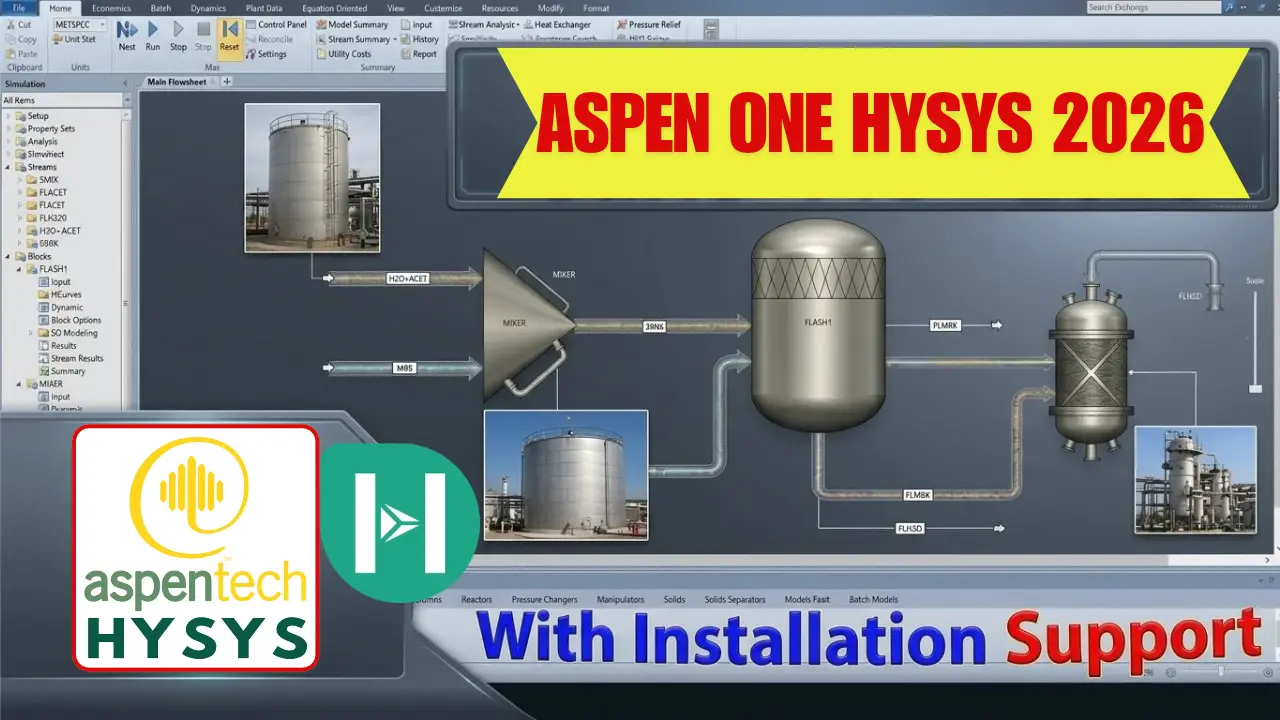
Aspen Plus 2026 Process Simulation | Download, Setup & Tech Assistance
Mastering Process Engineering: Aspen Plus 2026, HYSYS & aspenONE DeploymentDesigning, scaling, and optimizing industrial manufacturing plants requires specialized chemical process modeling tools. The aspenONE Engineering Suite—anchored by Aspen Plus and Aspen HYSYS—represents the global standard in process simulation, dynamic analysis, and energy optimization across the chemical, refining, energy, and pharmaceutical sectors.Setting up enterprise process simulation suites requires careful system tuning—from managing license managers (Sentinel RMS / SLM) to configuring C++ runtime dependencies and multi-user database paths.Understanding the AspenTech Ecosystem1. Aspen PlusAspen Plus is a bulk chemical and specialty process simulator. Engineered for complex, non-ideal chemical reactions, polymers, electrolyte solutions, and solid-liquid handling systems, it allows engineers to predict physical behavior, model batch or continuous chemical plants, and optimize reactor performance. 2. Aspen HYSYSAspen HYSYS is a process simulation platform optimized primarily for the oil, gas, refining, and gas processing industries. It features real-time fluid property prediction, oil characterization, multiphase pipeline modeling, and dynamic simulation for safety, startup/shutdown, and compressor control studies. 3. aspenONE SuiteaspenONE is the overarching enterprise suite that unifies process design, operational analysis, and supply chain execution. It brings together Aspen Plus, Aspen HYSYS, Aspen Capital Cost Estimator (ACCE), Aspen Flare System Analyzer, and Aspen Energy Analyzer into an interconnected engineering environment. Step-by-Step Deployment RoadmapFollow this sequence to deploy Aspen Plus 2026 and the aspenONE suite on your workstation:Prepare System Runtimes: Install active Microsoft .NET Frameworks, SQL Server Express (for local databases), and C++ Redistributable packages.Configure Sentinel License Manager: Deploy the local or network license daemon and apply your enterprise license file (.lic).Execute Core Suite Installation: Run the aspenONE installer, selecting Aspen Plus, Aspen HYSYS, and required thermodynamic database packages.Environment Pathing & Link Setup: Establish local working directories, Microsoft Excel linking add-ins (Aspen Simulation Workbook), and database connections.
Key Features
- Rigorous Physical Property Data
- Integrated Chemical & Energy Modeling
- Real-Time Column Hydraulics
- Upstream & Downstream Hydrocarbon Engine
- Unified Ecosystem Interoperability
System Requirements
For optimal performance, this software runs best on a modern system with a fast processor, ample memory, and a supported 64-bit operating system. A solid-state drive can also enhance the overall experience.
Exact requirements vary by software version. Please check the vendor's official documentation, or contact our support team before installing.
Installation Overview
- Check the vendor's requirements for your system configuration
- Download the installer from the button on this page
- Run the installer and follow the setup wizard
- Restart and launch the application once installed
- Reach out to our support team if you encounter any issues
Need a hand with any step? Use the “Request Installation Help” button on this page.
Common Errors & Fixes
Installer won't start
Ensure you have the required system runtimes and try running the installer again
Missing runtime components
Verify that all necessary components are installed and try running the application again
Application won't open after installation
Restart your system and try launching the application again. If issues persist, contact our support team for assistance
Conclusion & Overview
Secure your copy of Aspen Plus 2026 Process Simulation | Download, Setup & Tech Assistance today to elevate your system productivity. If you encounter any configuration or installation challenges, our dedicated technical support is accessible instantly via the live chat assistance channel.